
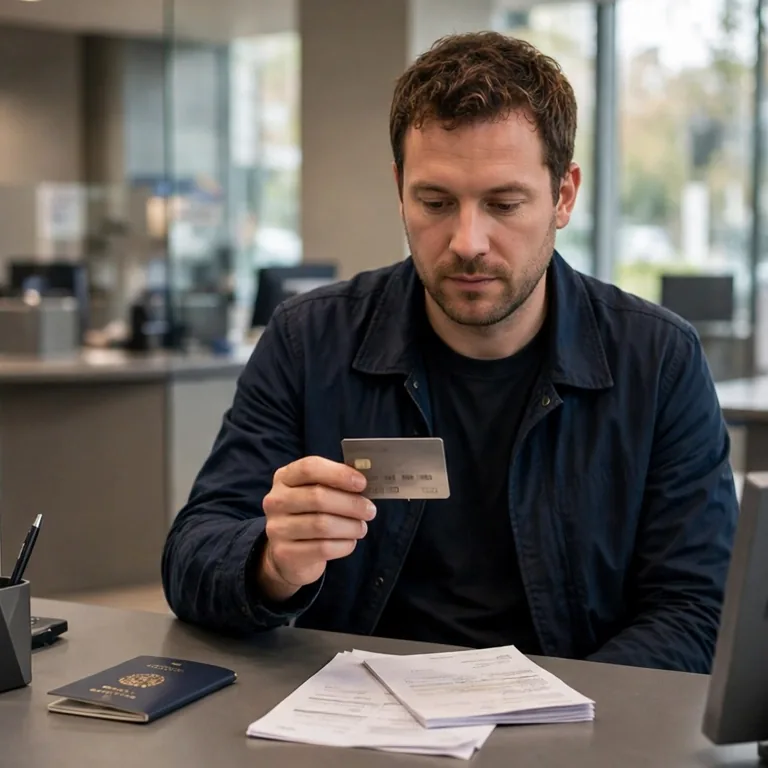
Applying before your BSN arrives is possible when you satisfy the bank’s conditions.
According to bunq, you have 90 days from signup to submit your tax number. ABN AMRO accepts applications before your BSN is issued, but it cautions that the account is blocked after 90 days without it and that the customer relationship ends after 120 days. On its application page, the time allowed to provide the BSN is 120 days. Check your own deadline before you apply.
The guide addresses adults who are moving to the Netherlands or already live there and are waiting for a BSN.
Compare the two banking paths
Each route works through a mobile app. Look at how they differ on address, tax residence (the place where you count as a tax resident), documents and deadlines.
Wide tables can be scrolled from side to side.
| Requirement | bunq | ABN AMRO |
|---|---|---|
| Home address | You live in a supported EEA (European Economic Area) country. You can apply before moving to the Netherlands. | You have an official Dutch home address. |
| Tax conditions | You have tax residence in the EEA. | You are liable for tax in the Netherlands. |
| Identity document | One eligible document: a passport, plastic national identity card, valid EU (European Union) residence-permit card or plastic EU driving licence. | One accepted document from the bank’s list: a Dutch identity document, international passport, European identity card or residence permit. |
| Tax-number deadline | 90 days after signup to provide your TIN (tax identification number). Dutch residents provide their BSN. | 90 days after opening your account on the expat page; 120 days after opening on the application page. Confirm your deadline with the bank. |
| If you miss the deadline | Account access is temporarily restricted until you provide the tax number or accepted exemption evidence. | Account blocked after 90 days without your BSN. Customer relationship ends 120 days after you became a customer if the BSN is still missing. |
bunq: verify tax residence and documents
For bunq, you must live in a supported EEA country and be tax-resident in the EEA. If your tax residence is outside the EEA, having a European address by itself is not enough. Before applying, check bunq tax-number rules.
The app’s identity check requires an original physical identity document. See bunq accepted identity documents for exclusions that apply by country. Scans and photocopies are not accepted.
When your tax residence remains in another country, use bunq’s instructions for the address and tax number of that country.
bunq considers tax-number exemption requests case by case for particular situations, including students from countries that do not issue tax numbers at birth and who have not begun working. The conditions and evidence are listed on its tax-number page. Newcomers who are waiting for a tax number use the 90-day window instead.
ABN AMRO: check age and proof of residence
To use ABN AMRO’s app route, you must be 18 or older. For your identity document, check the bank’s list of accepted documents.
When your passport or identity card is not Dutch, ABN AMRO requires evidence that you live in the Netherlands. Opening the account can happen before you provide that evidence. The account can be used only once the bank approves the evidence. An extract from the RNI (Registratie Niet-ingezetenen, non-residents register) does not satisfy this requirement.
ABN AMRO BSN guidance cautions that the account is blocked after 90 days without your BSN and that the customer relationship ends after 120 days. ABN AMRO account application states 120 days after opening to provide the BSN. ABN AMRO expat account route states 90 days after opening your account. Before applying, ask the bank to confirm your deadline.
Review the application rules before applying.
Satisfying the published conditions does not mean approval is guaranteed. The bank reviews your details. Its rules may change. If the app requests different documents, contact the bank.
Use four checks to choose an account
Before choosing an account, check all four points:
- Eligibility: check the rules for address, age, identity document and tax residence.
- Timing: check when the account becomes usable and the deadline for providing your BSN.
- Daily access: compare monthly fee, debit card, app language and customer support.
- Payments: check support for iDEAL | Wero (online payment method) and which country’s IBAN (international bank account number) the bank issues.
As of October 2026, bunq lists its Free plan at €0 per month and Core at €3.99 per month. ABN AMRO lists BasisPakket Betalen (basic payment package), with one debit card included, at €4.30 per month. Before applying, check what each plan covers and whether extra fees apply.
For instance, 12 months at ABN AMRO’s October 2026 price would come to €51.60 (€4.30 × 12), before extras. If the monthly price changes, the total changes.
Apply and supply your BSN
After choosing a bank whose conditions you satisfy, take these steps in order:
- Submit your application through the bank’s official app.
- Finish the identity check using an accepted original document.
- Provide any additional evidence the bank asks for, for example ABN AMRO’s proof of Dutch residence.
- Unless bunq has approved an exemption, give your tax number through the process the bank states before its deadline.
Look at an EU account and iDEAL | Wero
For euro transfers and direct debits within SEPA (Single Euro Payments Area), a euro payment account from another EU or EEA country can be used. The account must support the payment. Its IBAN does not need to begin with NL (the Netherlands’ country code). European Commission describes refusing a covered payment from another EU country’s account as IBAN discrimination. This protection does not mean a business must offer every payment method.
iDEAL | Wero directs you to your bank’s app or online banking. To use it, you need access to online or mobile banking at a participating bank. The official iDEAL | Wero participating banks list contains bunq and ABN AMRO. It also contains N26 and Revolut, which are licensed outside the Netherlands. Check whether the bank participates instead of relying on the IBAN’s country code.
Solve common problems
What if you do not have a Dutch home address?
ABN AMRO’s app route needs an official Dutch home address. bunq’s pre-move route needs residence in a supported EEA country and EEA tax residence. If a landlord issue or registration problem is delaying your address registration, use address registration problems guide. A briefadres (correspondence address) does not guarantee that a bank will accept your application.
What if an organisation refuses your EU IBAN?
If an online form accepts only Dutch IBANs, it may offer another way to enter your account details. Ask customer service if your IBAN can be entered manually. Should the organisation still refuse a covered euro transfer or direct debit, send a written complaint and keep its response.
De Nederlandsche Bank (DNB, Dutch central bank) receives reports about IBAN discrimination by companies and institutions in the Netherlands. If your complaint does not lead to a suitable solution or response, use DNB IBAN discrimination report form. When the refusal happens in another EU country, follow the Commission’s guidance to that country’s authority.
What if your BSN deadline is approaching?
If you miss bunq’s 90-day tax-number deadline, bunq temporarily restricts access to the account. Providing the required tax number restores access. If you qualify, accepted exemption evidence can also restore access. If submitting evidence is difficult, contact Support through the bunq app.
ABN AMRO blocks the account when your BSN is not provided within 90 days. If your BSN is still missing 120 days after you became a customer, it ends its relationship with you. Once the account is blocked, you lose access to it.
When you expect to miss the BSN deadline and money is in your ABN AMRO account, the bank advises transferring it before the block. If the account is already blocked, provide your BSN and then contact ABN AMRO to have the block removed.
Before your confirmed deadline, contact the bank and ask what evidence it requires. Ask if the deadline can be extended; do not rely on extra time until you receive its answer. If registration is delaying your BSN, follow BSN and gemeente (municipality) registration guide.
Keep reading these guides:
- First 90 days in the Netherlands: arrival checklist
- Cost of living in the Netherlands: build your monthly budget
Official Sources
- bunq: Banking for expats in the Netherlands - describes app signup before moving, the 90-day BSN deadline, and the current personal-plan prices
- ABN AMRO: Open a bank account (welcome to the Netherlands) - gives the expat route’s age, address and tax conditions; its 90-day BSN deadline differs from the direct application page’s 120 days
- iDEAL | Wero: What is iDEAL | Wero? - explains payments through a participating bank’s app or online banking
- European Commission: IBAN discrimination - defines IBAN discrimination for SEPA transfers and direct debits using another EU country’s account and explains where to complain
- NetherlandsWorldwide: Checklist for moving to the Netherlands - lists banking among arrival tasks and mentions phone plans; the banks’ own pages give their pre-BSN application rules
- bunq: Accepted identity documents - lists eligible original identity documents and country-specific exclusions; rejects scans and photocopies
- bunq: Taxpayer Identification Number (TIN) - sets residence and tax-residence conditions, the 90-day tax-number deadline, submission steps and temporary account restrictions
- ABN AMRO: Opening an account for yourself - sets app eligibility, accepted identity documents, the 120-day BSN deadline and the proof-of-residence requirement before account use
- ABN AMRO: Burgerservicenummer - states the 90-day account block, the end of the customer relationship after 120 days, and what to do before and after blocking
- ABN AMRO: Open je bankrekening (open your bank account) - confirms age, Dutch home address and tax conditions, identity-document limits and the €4.30 monthly package price
- iDEAL | Wero: Participating banks - lists ABN AMRO, bunq, N26 and Revolut as participating banks, including banks licensed outside the Netherlands
- De Nederlandsche Bank: SEPA and IBAN discrimination - explains EU and EEA euro-account protection, payment-method limits, manual-entry alternatives and complaints
- De Nederlandsche Bank: IBAN discrimination report form - accepts reports after a complaint to the Netherlands-based company or institution and asks for supporting evidence
- EUR-Lex (EU law database): SEPA payment rules, Article 9 - sets the rule against requiring an account in a particular EU member state when the account supports the transfer or direct debit